Your media players for TV

Your TV. Your content.Your way.

Fast, simple media players built for the remote control. Play your own playlists and content with a smooth, well-organized experience on your TV. No content included.
🛡 Independent player ⊘ No content included
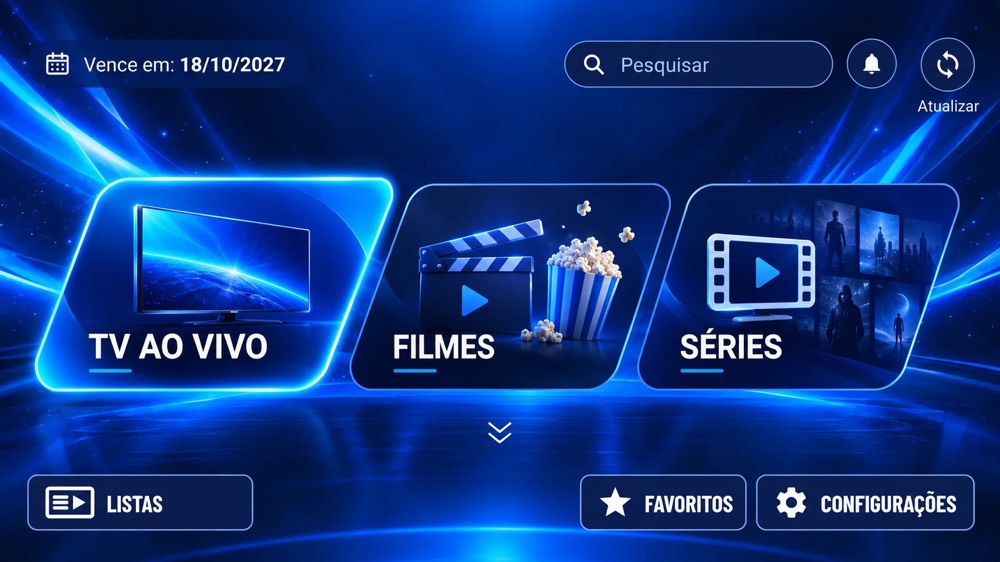
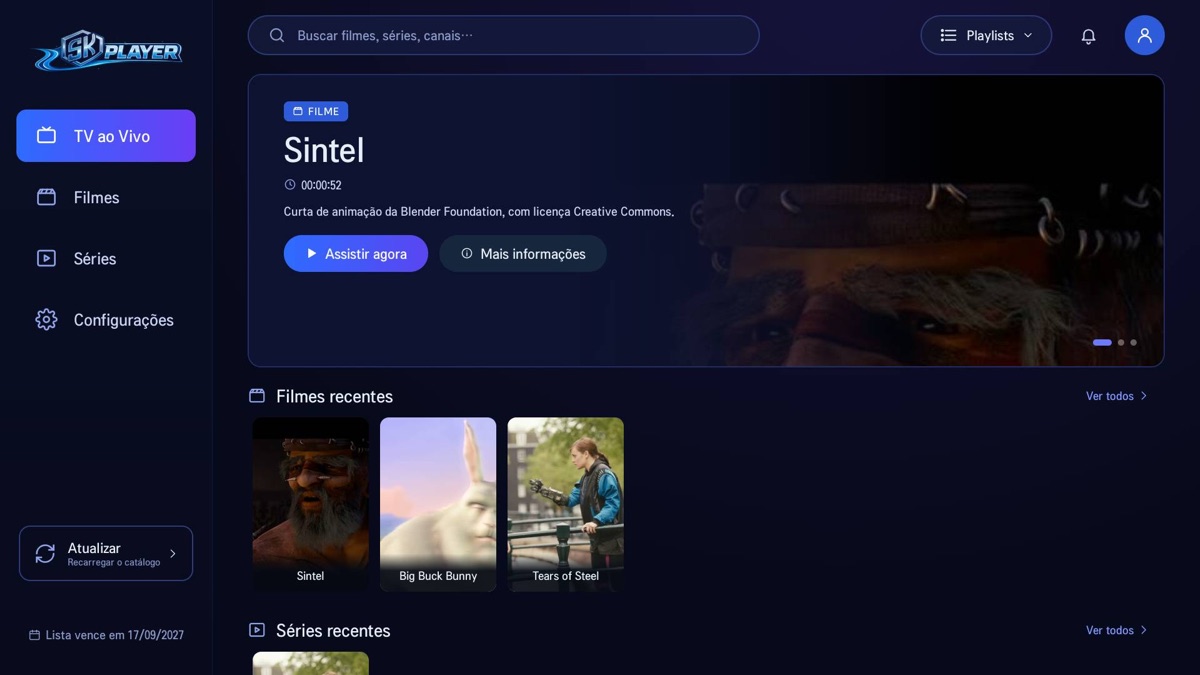
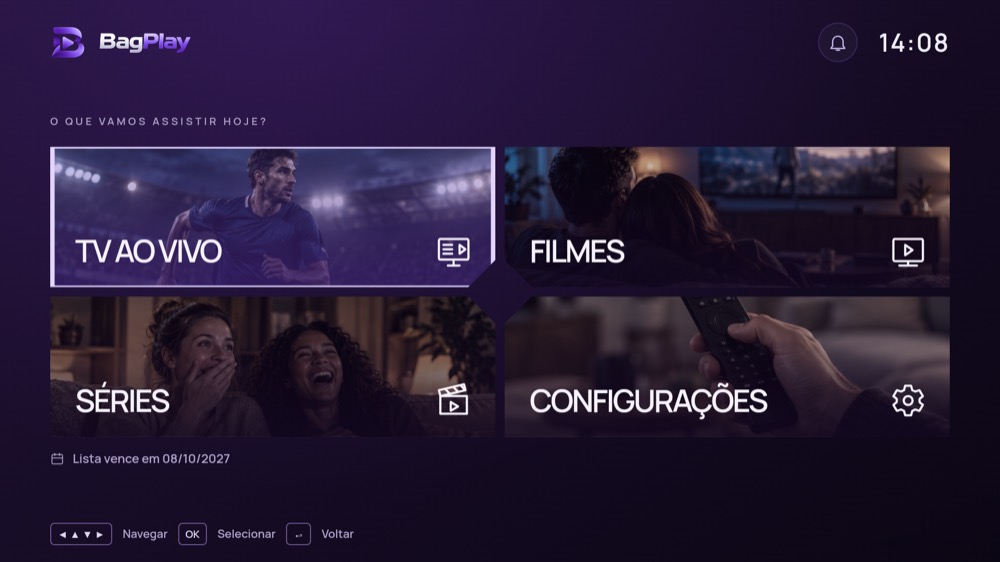
SK Player home screen on a TV BagPlay home screen on a TV NexPlay home screen on a TV
Home screen of SK Player

Three apps. One place to manage them.

The device code works the same way in all three: you manage your playlists right here on the website.

SK Player

A fast, simple media player for your TV, with your own playlist.

  • Live TV
  • Movies and series
  • Parental controls
Available on Roku, Android TV and Fire TV (Android)
Download SK Player
BagPlay

A media player built for the remote control, with your own playlist.

  • Live TV
  • Movies and series
  • Parental controls
Available on Roku, Windows, Xbox, Android TV, Fire TV (Android) and Fire TV (Vega OS)
Download BagPlay
NexPlay

Light and compatible: runs even on simpler TV boxes, from Android 5. The recommended one for TV boxes.

  • Live TV
  • Movies and series
  • Parental control
Available on Roku, Android TV, Fire TV (Android), Fire TV (Vega OS), TV box and phone · coming soon to Google Play
Download NexPlay

Already installed one of them? Manage my device →

Features

What the players do with your playlist.

📺Live TVPlay your playlists in M3U, M3U8 or Xtream Codes formats.
🎬Movies and seriesOrganize and watch your content with simple, intuitive navigation.
❤️Favorites and progressSave your favorites and pick up where you left off, stored on your device.
🔒Parental controlsProtect access to the app with a PIN, ideal for the whole family.
⚡Automatic source switchingIf playback freezes, the app automatically tries another source from your playlist.

Legitimate use

SK PLAYER, BagPlay and NexPlay do not provide playlists, do not host content and do not recommend providers. They only play the addresses that users add themselves.

We do not tolerate piracy. When notified by a rights holder or a competent authority, we act promptly to cancel the access of the user involved.

🛡 Independent player No content
comes with the app

What SK PLAYER was made for:

🏨
Hotels and innsIn-house channel distribution, licensed free-to-air TV and entertainment for guests.
🏥
Hospitals and clinicsRoom and waiting-room TVs with authorized channels and educational videos.
🏢
Residential buildingsBuilding channel, common-area cameras, notices and in-house programming.
💼
BusinessesCorporate TV for announcements, training and KPI dashboards.
🎓
Schools and universitiesLive classes, auditorium broadcasts and educational content.
⛪
Churches and religious organizationsBroadcasting services and events to members.
🏛️
City halls and public agenciesLegislative channels, public cameras and broadcasts of sessions.
▶️
Your own streamingCompanies that own or license movies, series, courses or events.
See all legitimate uses →

Available on the major TV platforms

Tap an available platform to see where to download.

RokuAvailable in the store
SK PlayerBagPlayNexPlay
Android TVAvailable
SK PlayerBagPlayNexPlay
Fire TV (Android)Available
SK PlayerBagPlayNexPlay
Fire TV (Vega OS)Available
BagPlayNexPlay
LG webOSUnder store review
Samsung TizenIn development
VIDAAIn development
Apple TVIn development
iPhone, iPad and MacBeing prepared for the App Store
SK Player
Windows and XboxAvailable in the store
BagPlay
Whale TVIn development
TITAN OSIn development
iPhone, iPad and MacSK Player for iPhone, iPad and Mac is not yet available on the App Store: publication depends on Apple’s approval. Once available, you will be able to sign in with your service’s access (ID, username and password, or device code) or use your own playlist with a monthly or yearly Apple subscription. No content is included. How the subscription works

How it works

Your way, in just a few steps.

1
Install it on your TVDownload SK Player, BagPlay or NexPlay from your TV's app store or with Downloader.
2
Write down the codeWhen you open it, the app shows an eight-character code on the screen.
3
Activate the deviceUse the code here on the website, under Manage device.
4
Send your playlistEnter the address you already have and watch on your TV.
SK PLAYER does not provide playlists or recommend providers. Only use addresses you obtained legitimately and are authorized to access. See the Legitimate use page.